Hosting and maintenance
Hosting, security, backups, SSL certificates and version upgrades.
Launching a website is not the end of the work. Software needs updating, certificates need renewing, backups must be taken, and protection against attacks is required. When these are neglected, a site slows down, starts showing errors or one day stops opening altogether. We monitor your server and website regularly and solve problems before you notice them.
What we do
- Server setup: selecting the server that suits your needs, installing it and hardening its security.
- Hosting: your website, database and email running on a well-maintained server.
- Security: firewall, Cloudflare protection, up-to-date PHP and software versions, malware scanning.
- Backups: regular backups, stored off the server and tested for restoration.
- SSL and domain: certificate installation, automatic renewal and DNS management.
- Business email: emails delivered to the inbox thanks to SPF, DKIM and DMARC settings.
- Speed: faster pages through caching, image compression and server settings.
- Migration: moving your website to a new server or new infrastructure without any interruption.
Why should maintenance be regular?
Most attacks target known vulnerabilities in software that has not been updated. On a site without a backup, a single mistake can mean months of lost work. Regular maintenance reduces these risks from the start and lets you recover quickly when something goes wrong.
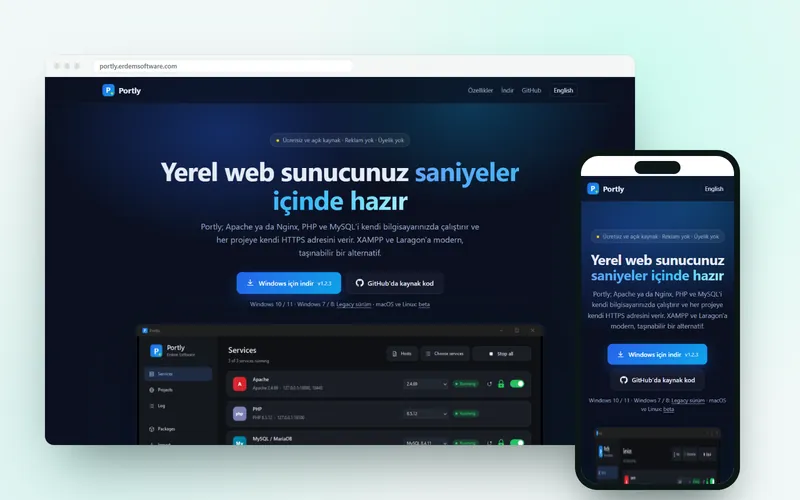
Portly, which we develop ourselves, is an open-source tool that makes it easier to set up a local development environment; it brings our server-side experience to the desktop.
Frequently asked questions
Do you provide maintenance for a site someone else built?
Yes. We first review your website and server, report on their current state, and then take over maintenance. This includes WordPress sites.
Where are the backups stored?
Backups are also stored outside the server where the site is hosted. That way, your site can be restored even if the server becomes completely inaccessible.
My site has been attacked. Can you help?
Yes. We clean the site, find where the vulnerability came from, close it and take steps to prevent it from happening again. If a clean backup is available, recovery is faster.
Why do my emails end up in the spam folder?
Most often, the SPF, DKIM and DMARC records for your domain are missing or incorrect. By correcting these records, we make sure your emails appear trustworthy.
Projects in this area

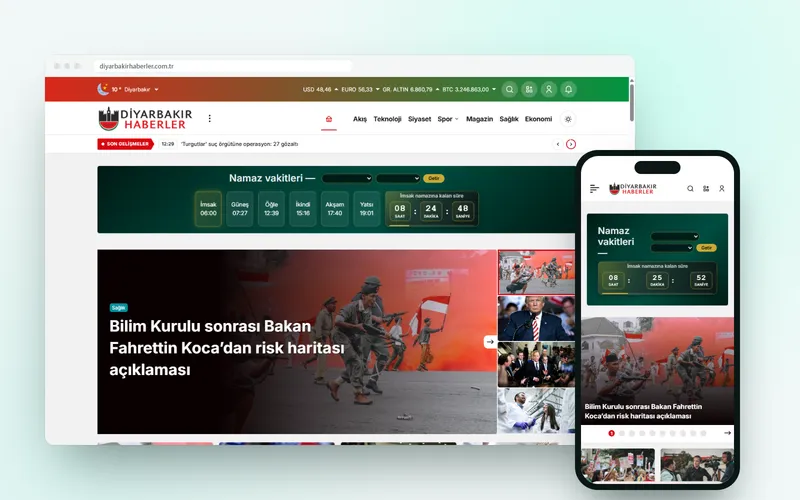
Diyarbakır Haberler
Diyarbakır-focused news portal: WordPress setup, news theme configuration, server management and maintenance.
View →Related guides
Website Maintenance: A Weekly and Monthly Checklist
A website maintenance checklist with weekly, monthly, quarterly and yearly tasks: backups, updates, security, speed, forms and content.
View →
Web Hosting Types: Shared, VPS, Cloud and Dedicated Servers
The differences between shared hosting, VPS, cloud and dedicated servers, a comparison table, and a guide to choosing the right hosting for your project.
View →
Website Security: Essential Measures Every Site Should Take
Learn the essential defensive measures that protect your site, including updates, two-step verification, HTTPS, security headers, backups and monitoring, with a checklist.
View →
3-2-1 Backup Strategy: How to Never Lose Your Data
Learn what the 3-2-1 backup strategy is, how to apply it to your website, and how to confirm your backups actually work with a restore test.
View →
Business Email: SPF, DKIM and DMARC to Stay Out of Spam
Learn what SPF, DKIM and DMARC records do for business email, how to set them up correctly and how to test them so your messages stop landing in spam.
View →
What Is Cloudflare? CDN, DNS and Security Benefits, with Setup
Learn how Cloudflare works, its CDN, DNS and security benefits, the step-by-step setup and critical settings such as the SSL mode.
View →Get a quote for this service
Get a quoteTell us briefly what you need and we will prepare a quote with a suitable roadmap and price.